
Picture and sound in sync: an audio editing guide
Bring your soundtrack into step with the picture. Learn how track organisation, careful listening and balanced levels contribute to a cleaner mix.
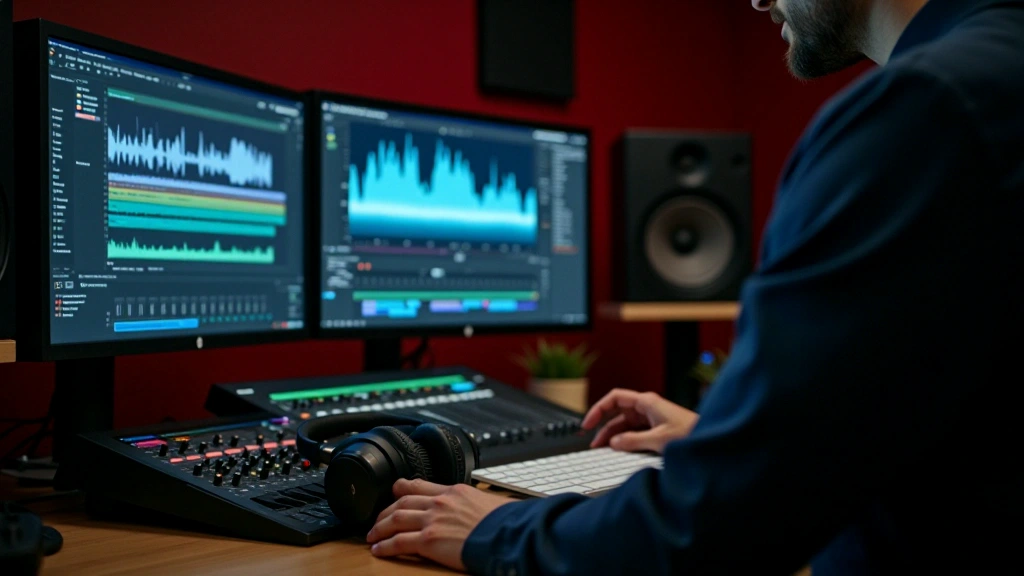
Why a small timing error matters
When dialogue trails behind moving lips, or a sound effect misses the action, viewers notice the mismatch. Accurate sync keeps their attention on the scene instead of the edit.
You can improve a soundtrack by learning a few dependable habits. Start with clear organisation, then check timing and levels before adding more complex processing.
Sync essentials
Line up dialogue, music and effects with the picture
Level control
Balance the tracks so the important sounds stay clear
Final mix
Check that the soundtrack holds together across playback devices
Organise before you synchronise
Most editing projects contain several kinds of sound: dialogue, music, ambience and effects. Keeping them separate makes timing and mixing decisions easier to understand in tools such as Premiere Pro, Final Cut and DaVinci Resolve.
Group dialogue tracks together, then give music and effects their own tracks or groups. Clear labels help you see what you are changing before you touch a fader.
Check the relationship between sound and picture instead of assuming the import aligned everything. Start with a short dialogue section: lip movements should match the speech, and action sounds should land with the visible event. Recheck later in the clip for drift.
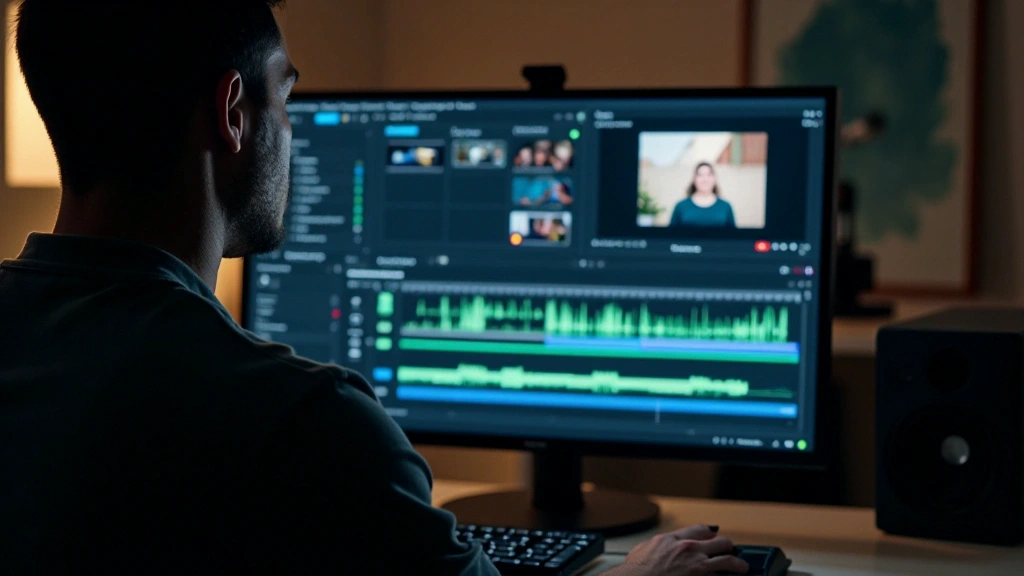
Make level decisions in context
A mix can feel erratic when dialogue is quiet but an effect suddenly peaks near the limit. Individual track settings do not tell the whole story; listen to how the sounds interact.
For dialogue-led scenes, keep speech intelligible and let music support it. Use level automation to make room where tracks compete. Leave headroom and check the delivery requirements rather than treating one set of meter readings as right for every project.
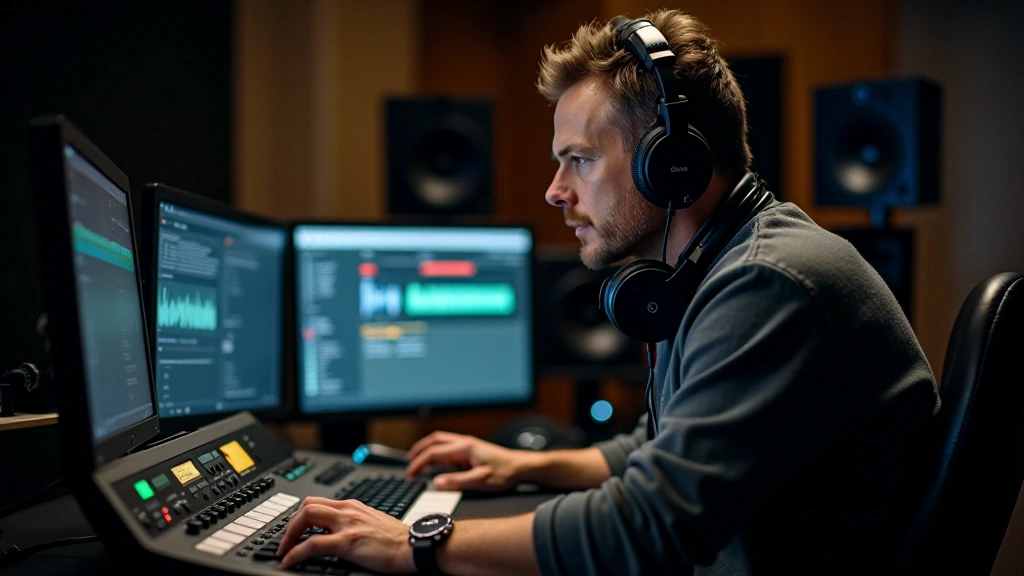
Listen through monitoring speakers or a dependable pair of headphones, then check the mix on everyday devices. A phone, tablet and computer can reveal different balance problems.
Watch for these common problems
Do not fill every pause automatically. Silence and restrained ambience give important moments space. Listen to whether a background track supports the scene or makes it feel artificial.
Compression can control uneven levels, but too much can flatten the performance. Apply it carefully and compare with the unprocessed signal to hear what changed.
Recordings from different sources may not blend immediately. A studio voice and phone-recorded ambience can need tonal and level adjustments before they feel part of the same scene.
Habits that make mixing easier
Mark the important moments
Add markers at major scene changes and problem areas so you can return to them quickly.
Use gradual automation
Shape level changes over time instead of creating abrupt jumps. Smooth automation can make transitions sound more natural.
Listen to test exports
Export a test mix periodically and listen after a break. Fresh ears make balance problems easier to recognise.
Compare with a reference
Listen to a suitable professional production in the same genre as a reference for balance and overall presentation.
Build a repeatable listening process
Start with organised tracks, reliable sync, controlled levels and intentional pauses. Listen carefully, check more than one device and revise the parts that distract from the scene.
Each project gives you more examples of what works. With practice, you will spot timing and balance problems earlier and make more deliberate mixing choices.
Learning outcomes vary. This guide offers educational concepts and practical approaches; progress depends on practice, equipment and your learning environment.
Author
The Montivelle Editorial Team
Editorial Team
Written by the Montivelle editorial team, with a focus on clear, practical post-production learning.
Related guides

Build a better timeline: a practical guide to editing
Organise your clips and transitions around the story you want the edit to tell.
Read the article
From raw footage to a consistent colour grade
Work through white balance, tonal curves and overall image correction.
Read the article
Motion with a purpose: titles, transitions and graphics
Learn to integrate animated elements, moving titles and visual effects with a clear purpose.
Read the article